If you can’t pay for premium access by credit/debit card on Tezfile website, you can use your card to buy USDT TRC20 and use them to pay directly for Tezfiles access, without any restrictions (anonymously). You only need to follow a few simple steps to do this.
Step 1: Create a wallet
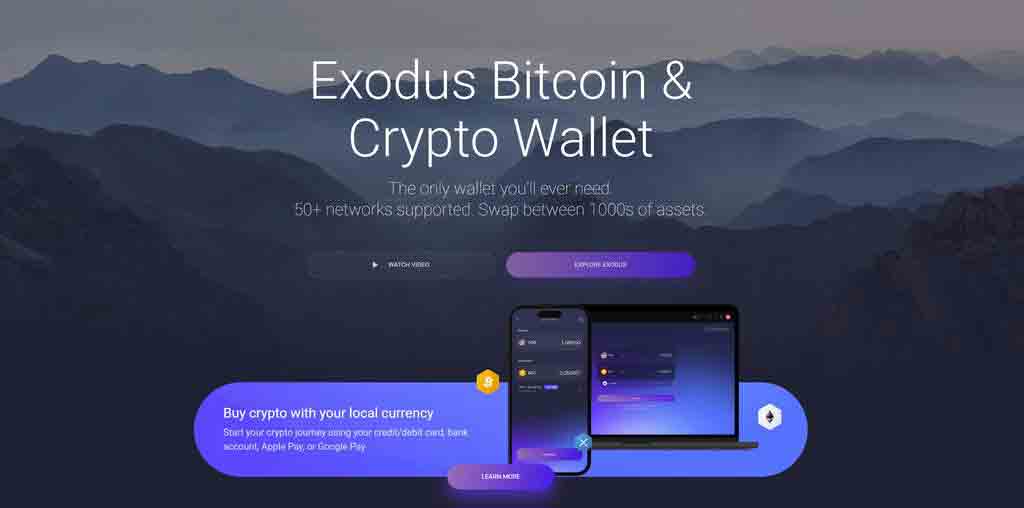
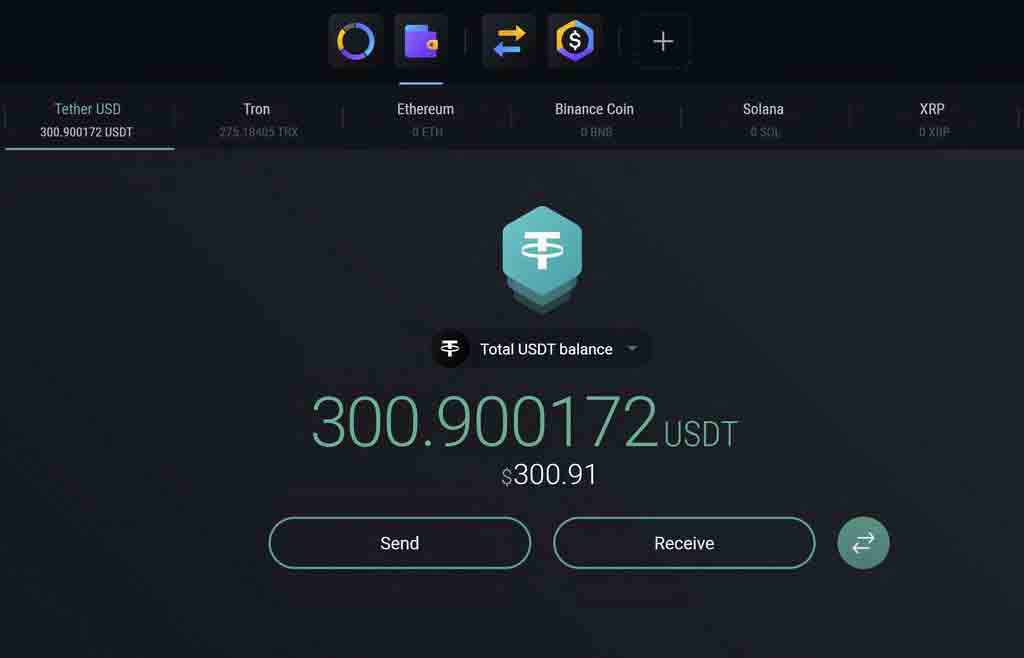
First of all, you will need a digital wallet to store USDT TRC20. You can choose from various options such as mobile wallets, web wallets, or hardware wallets. One of the most popular is the multi-currency EXODUS.
Step 2: Buy USDT TRC20 and TRON (TRX)
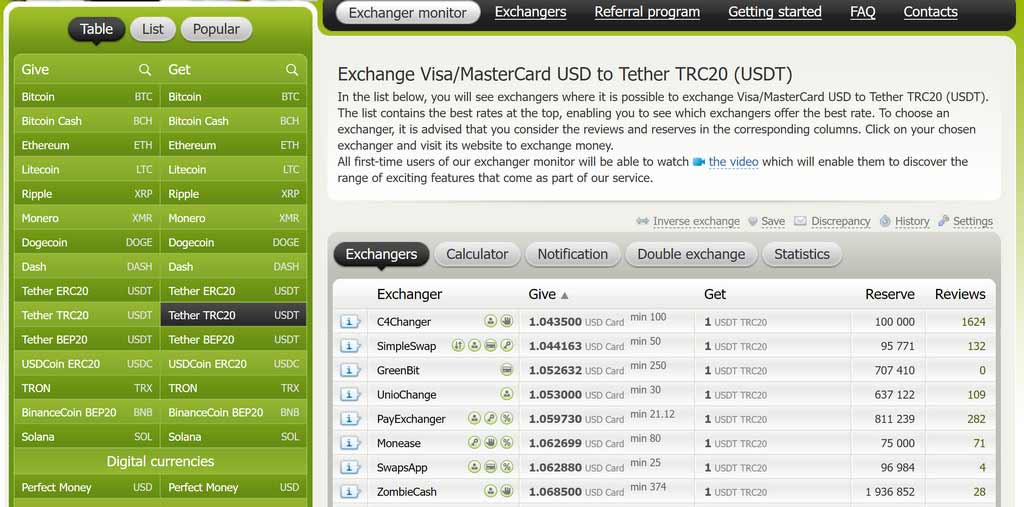
You can buy USDT TRC20 on cryptocurrency exchanges that support TRON-based tokens.
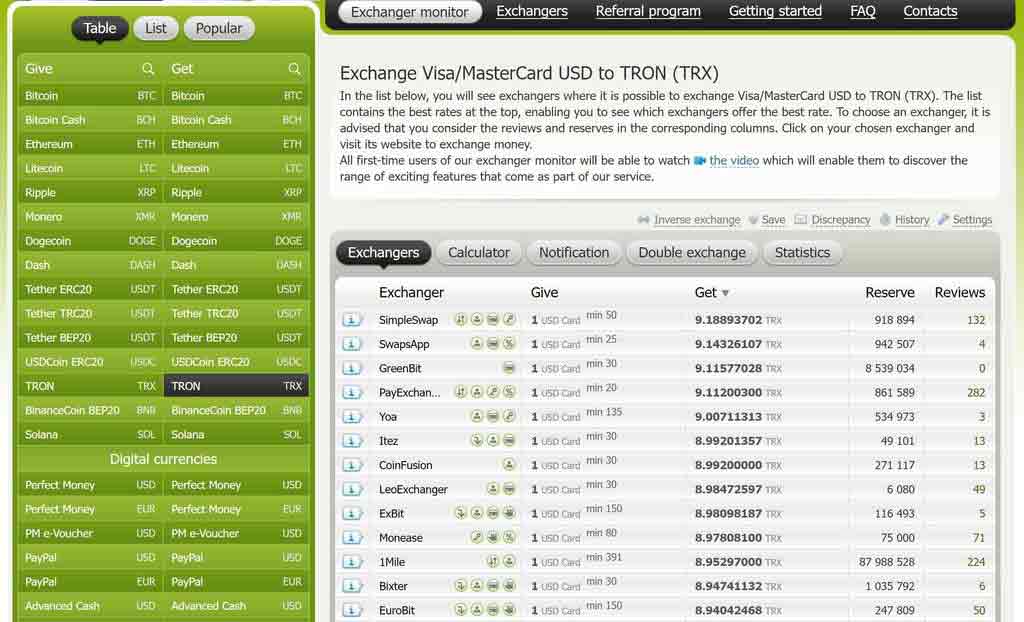
The Exodus wallet also requires some TRON (TRX) for USDT TRC20 transactions, which can be purchased on cryptocurrency exchanges.
They are used to cover transaction fees and interact with decentralized applications (dApps). This is due to the peculiarities of the functioning of the TRON network. Thus, each transaction consumes a little TRX. Without TRON (TRX), you will not be able to use USDT TRC20 for payments or transfers.
Step 3: Pay with USDT TRC20
Once USDT TRC20 and TRON (TRX) are in your wallet, you can use them to purchase premium access.
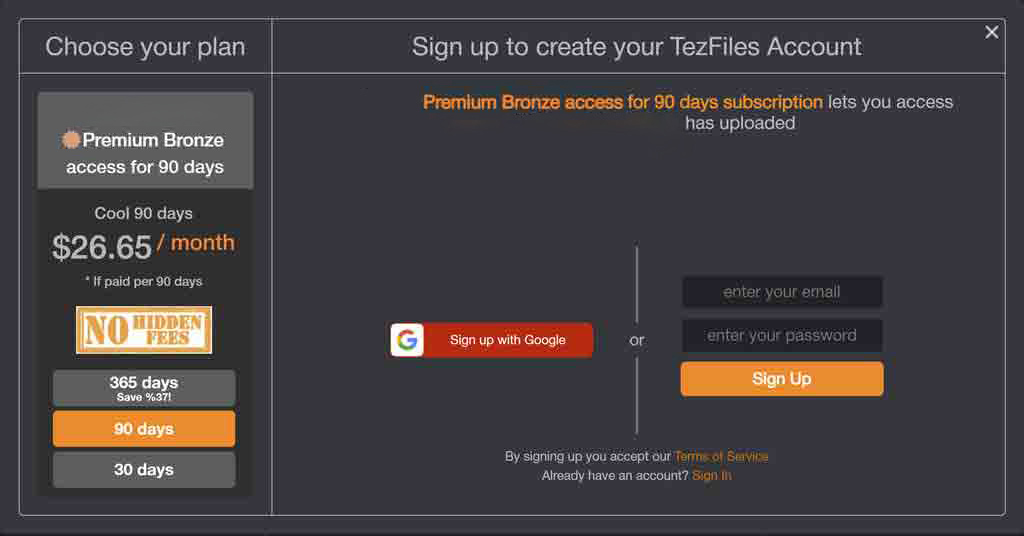
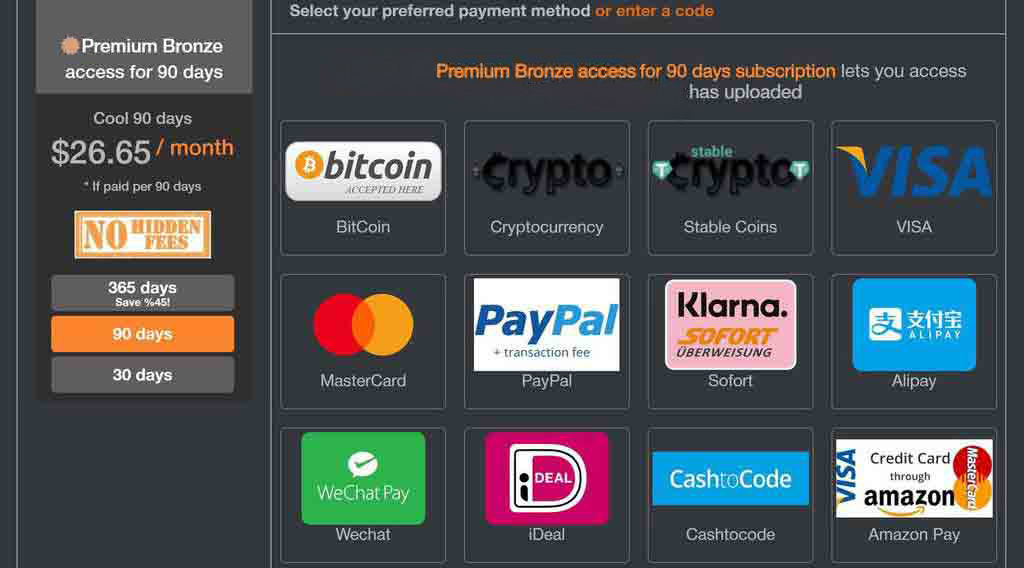
Choose your plan (90 or 365 days).
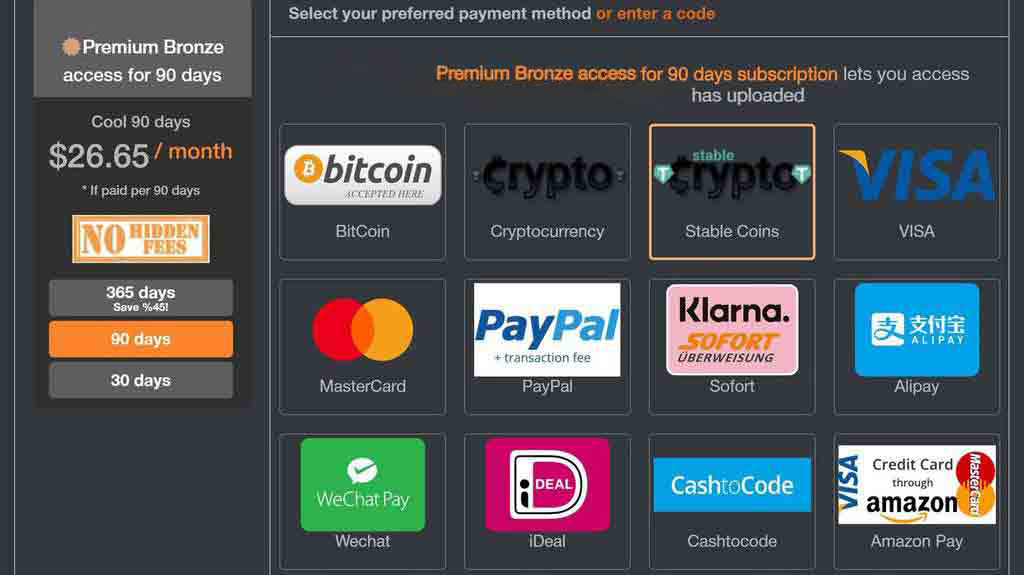
Choose your payment method.
Select stableCrypto – Stable Coins.
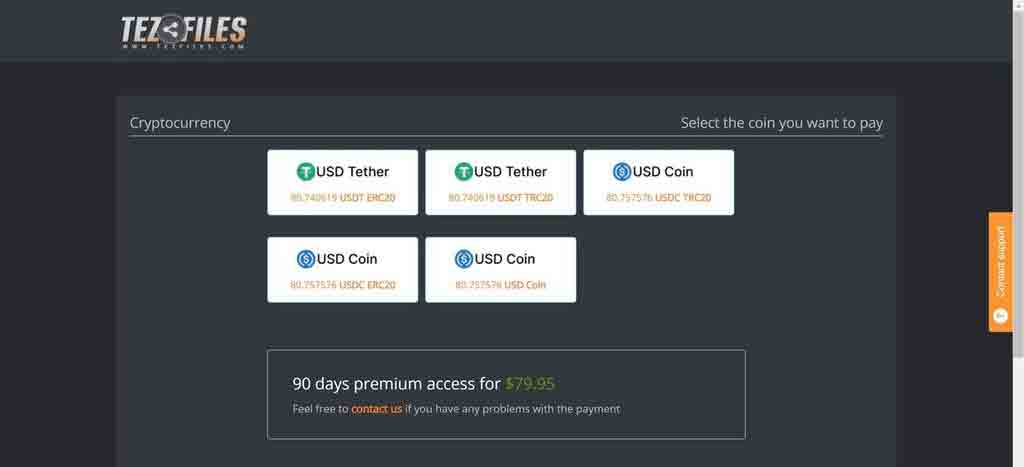
Select USD Tether –USDT TRC20.
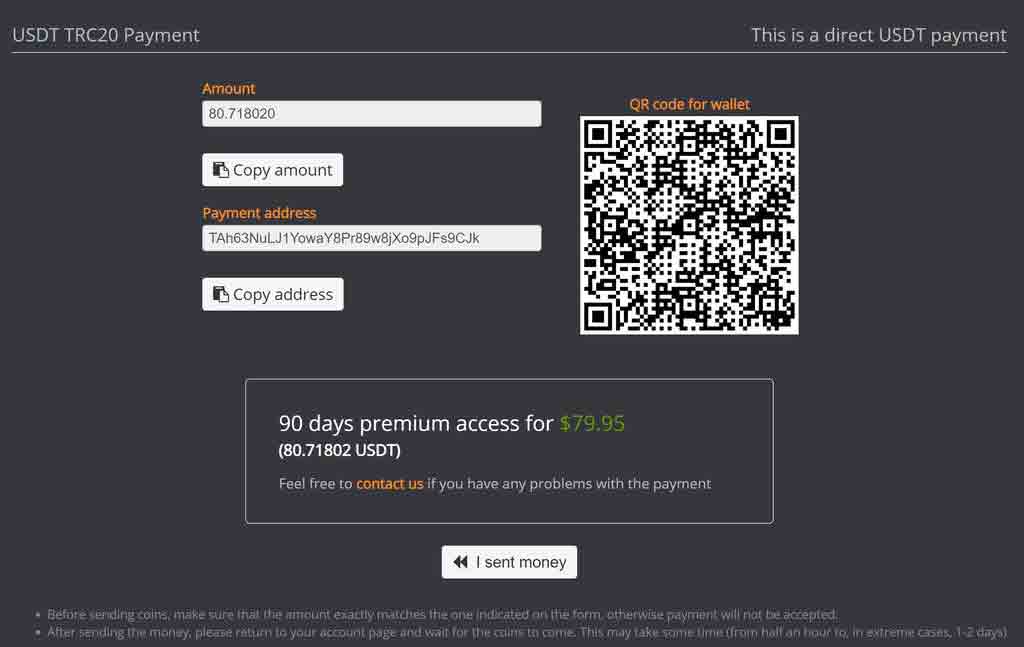
Copy amount.
Open your Exodus wallet and click Send.
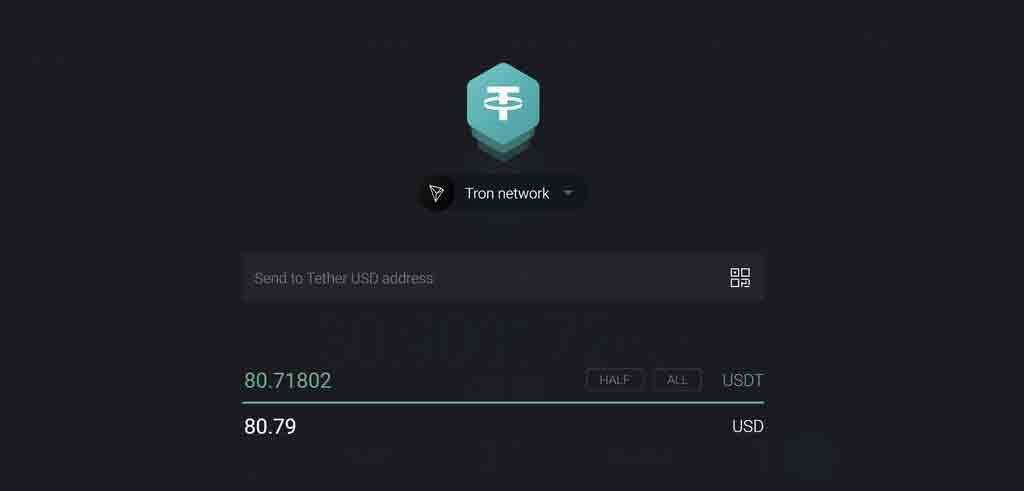
Be sure to select the Tron network, then paste the copied amount into the field below.
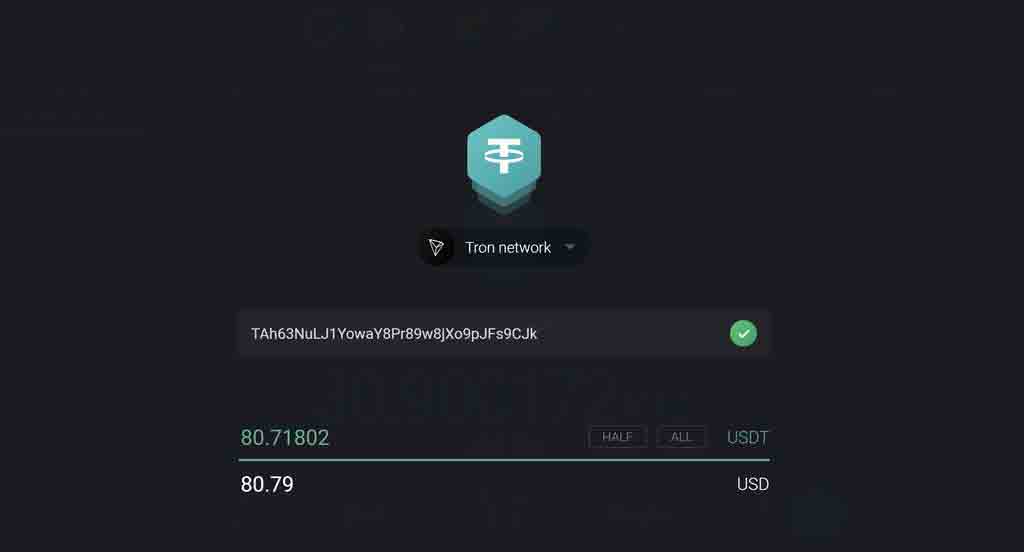
Then copy the address of the wallet to which you will send USDT TRC20. It is similar to a numeric bank account number:
TAh63NuLJ1YowaY8Pr89w8jXo9pJFs9CJk
And paste it into the top box in your Exodus wallet.
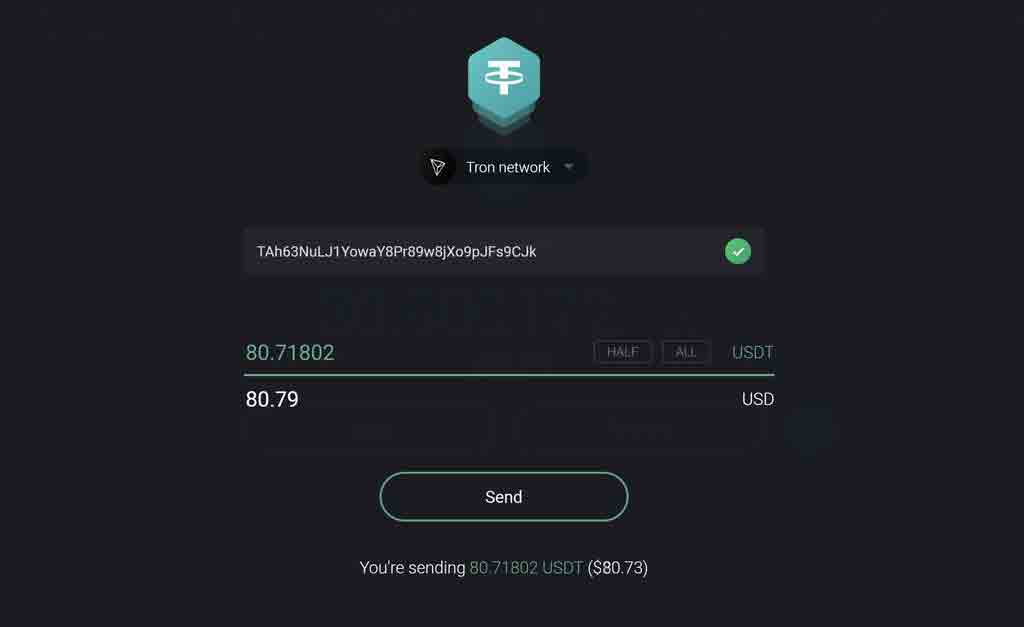
Before paying, be sure to double-check the recipient’s address to make sure it is correct. After that, press the Send button.
After payment, be sure to click the button I sent money.